The product
Agent trace, app shell & IA, and the surfaces beneath
Codegen was an autonomous coding agent you could tag from GitHub, Slack, and the tools you already worked in — hand it a task and it returned a production-ready pull request. The product was deep and highly configurable; my job was making that depth legible enough that developers could trust it.
Context
Integrations spanned GitHub, Slack, Linear, Jira, Notion, Sentry and more; control reached from sandbox start-up down to repo-specific settings, model and provider keys, and agent behavior; and the agent's reasoning had to be inspectable, not a black box. The hard problem was keeping all of that clear and usable rather than overwhelming. I owned it end to end — vision, interface, and the front end that shipped it.
Approach
Agent trace
The trace is the heart of the product: a legible, step-by-step view into an autonomous agent's reasoning — the thinking sitting right beside the code it changed, so developers could follow it, trust it, and step in when needed.
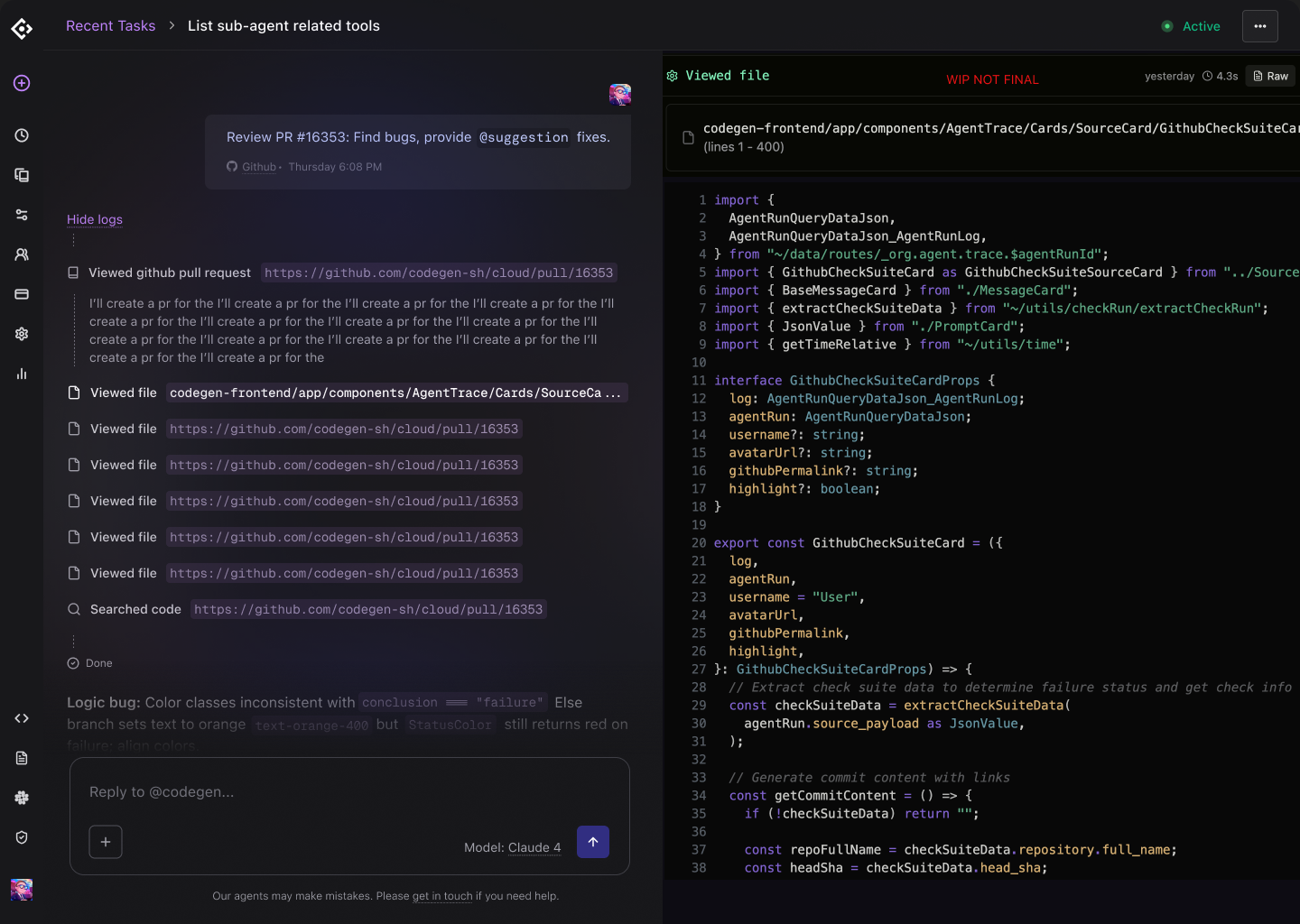
App shell & information architecture
Around the trace I designed the full platform shell and an information architecture I evolved as the product deepened — a primary nav for the core surfaces and a secondary nav for the deep settings beneath them, keeping a sprawling, configurable tool coherent as surfaces multiplied.

Integrations
Meeting developers in the tools they already used was core to Codegen's value, so the integrations surface had to make a broad ecosystem feel simple to connect and manage.
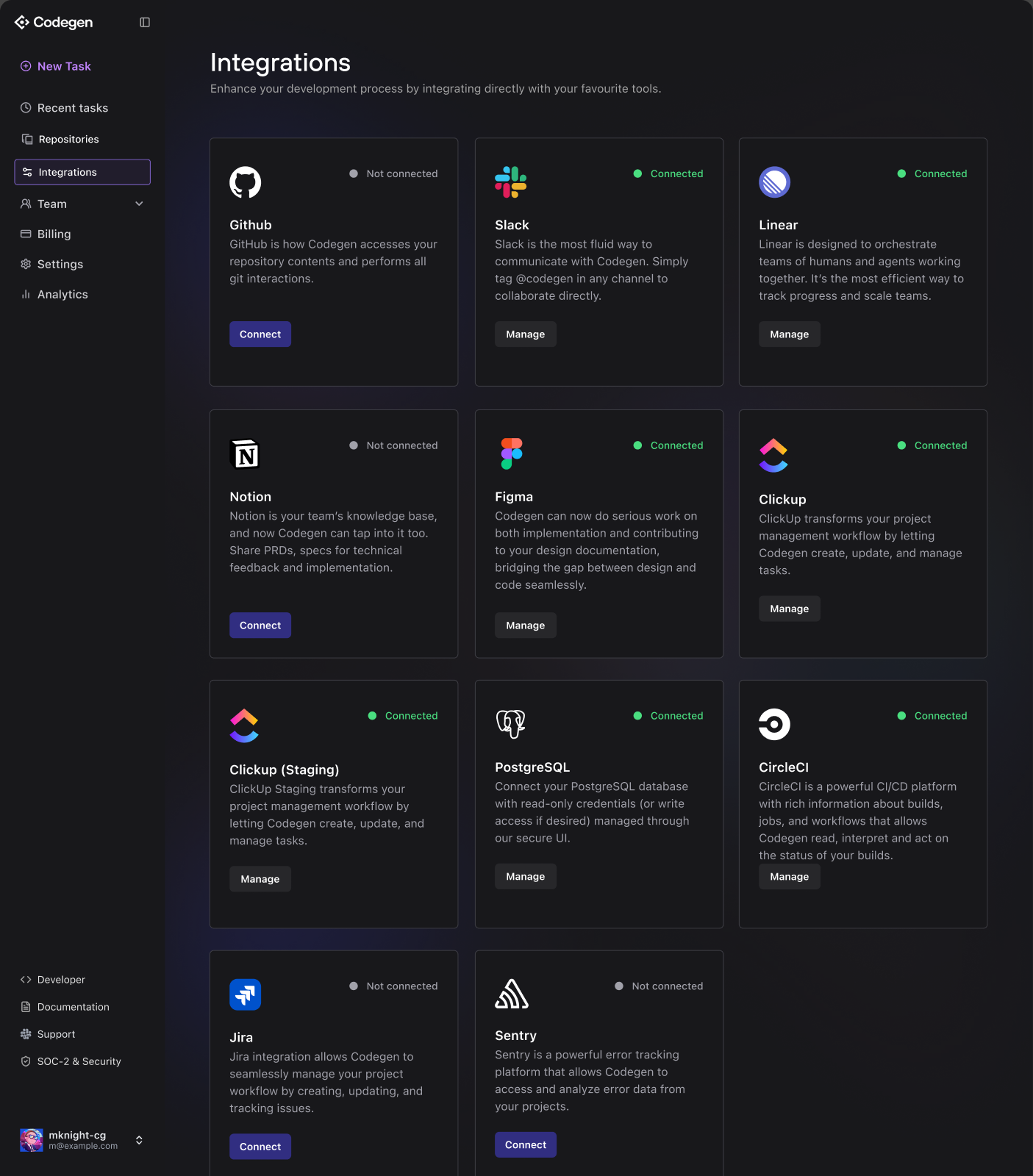
The rest of the product
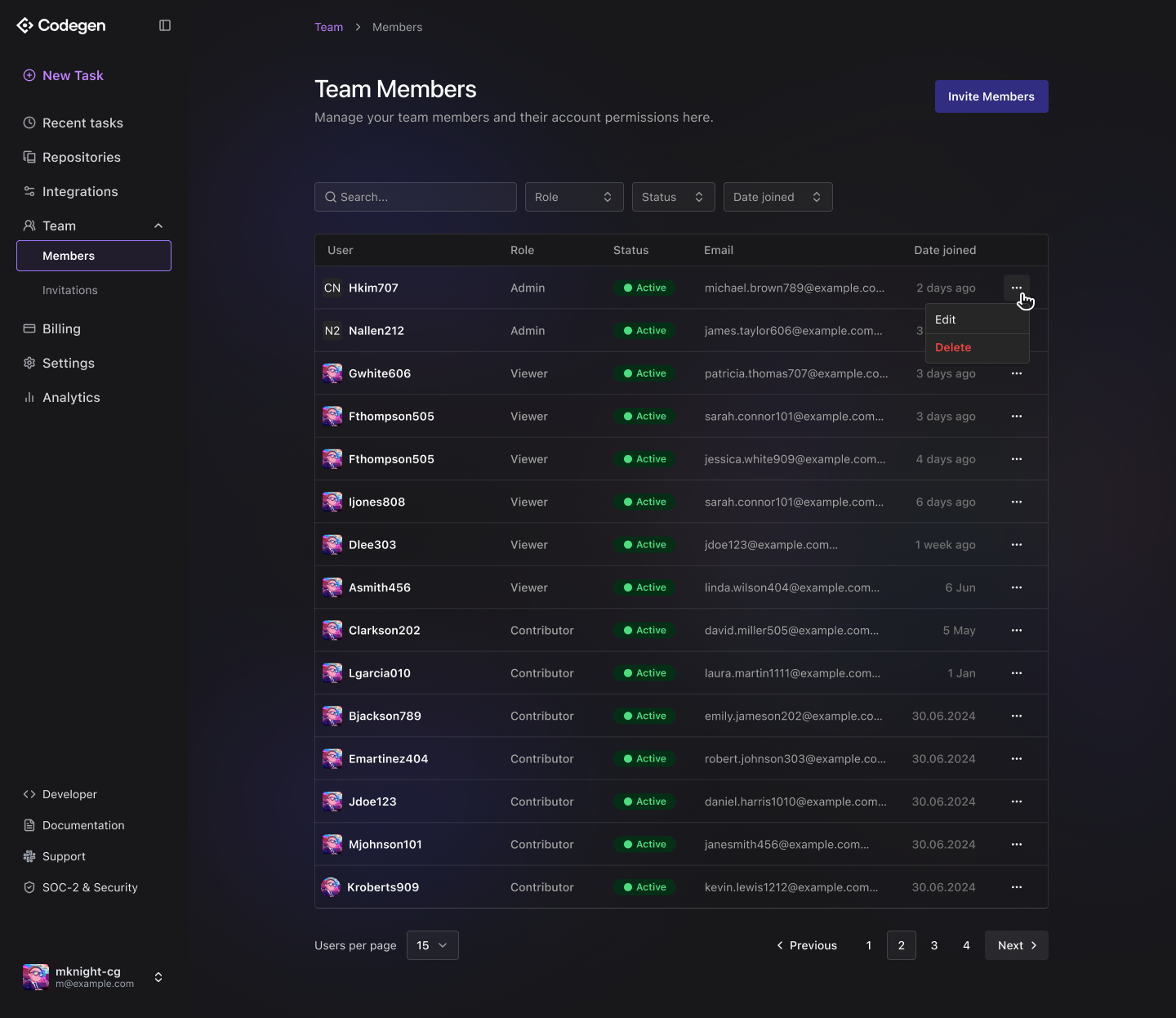
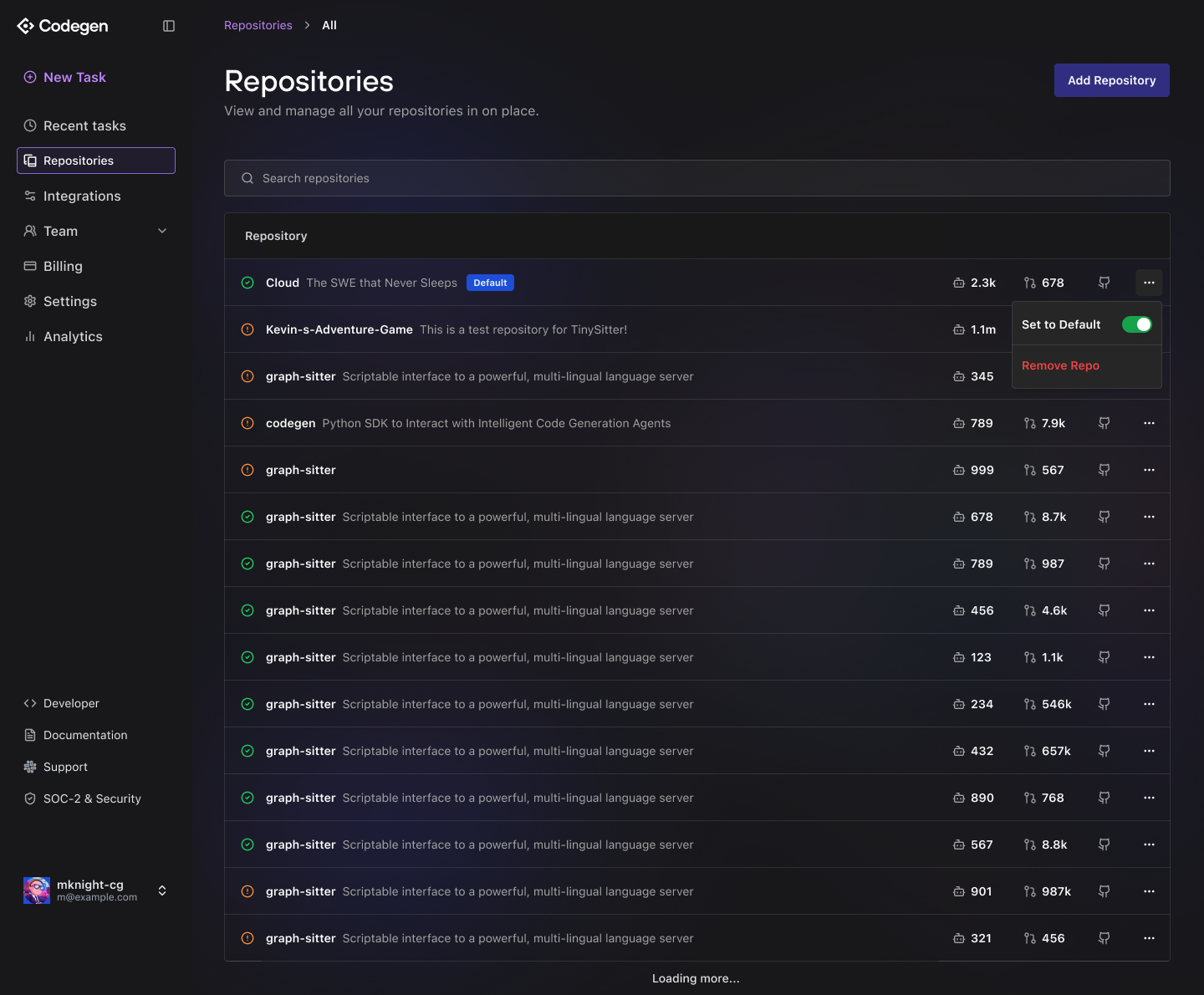
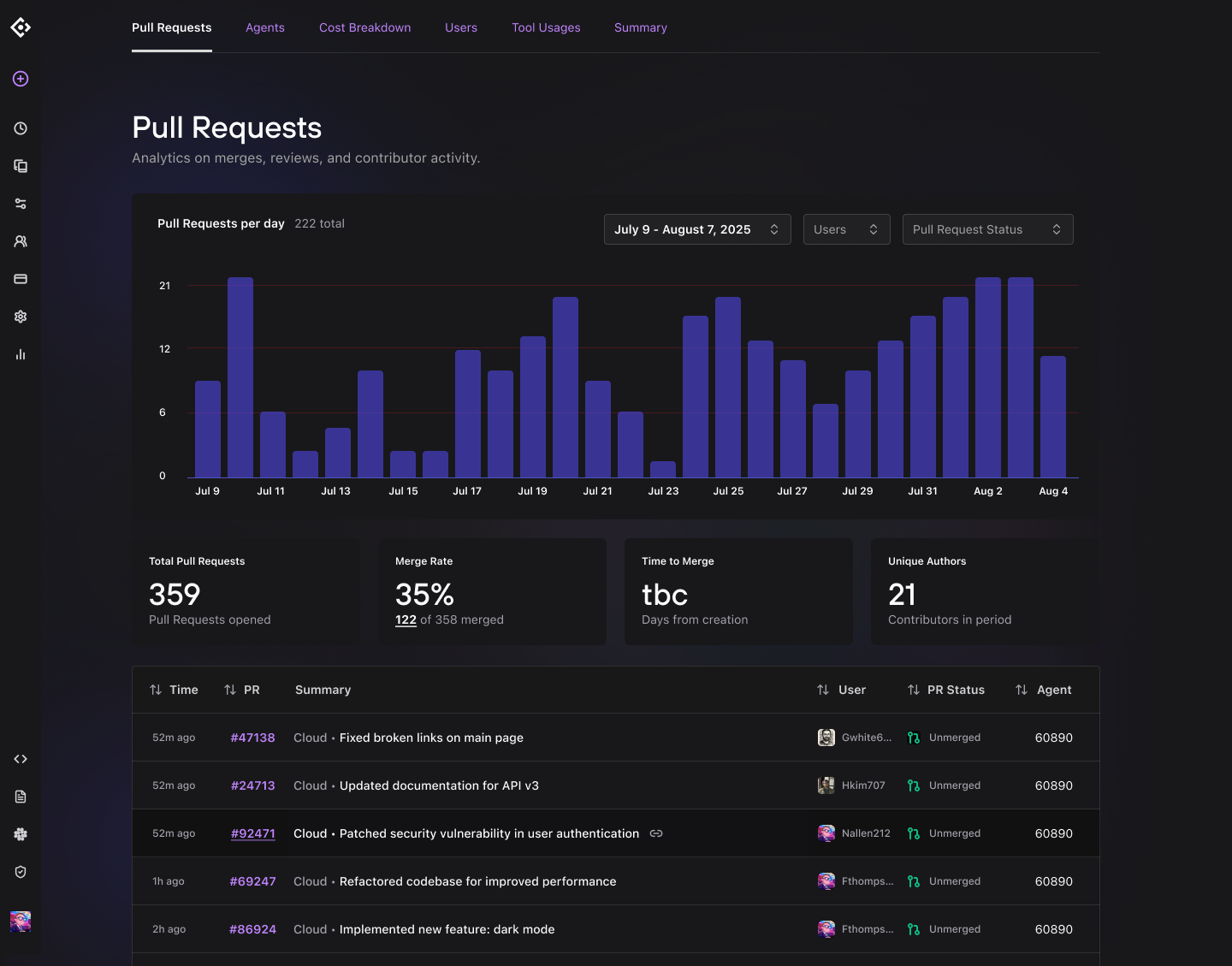
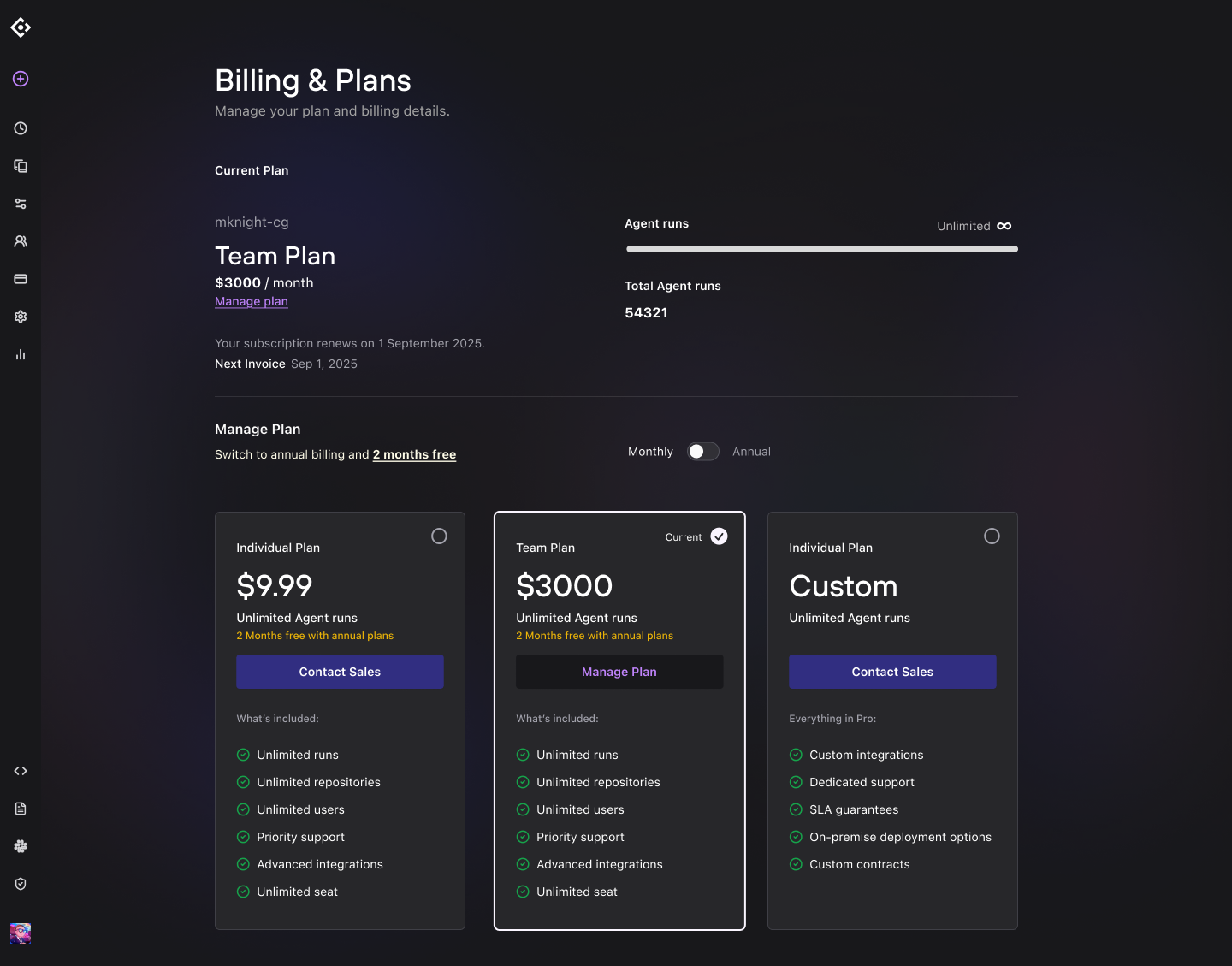
Beneath the headline surfaces sat the rest of a real product — onboarding, settings and admin, user and repository management, analytics, and billing — designed with the same care.
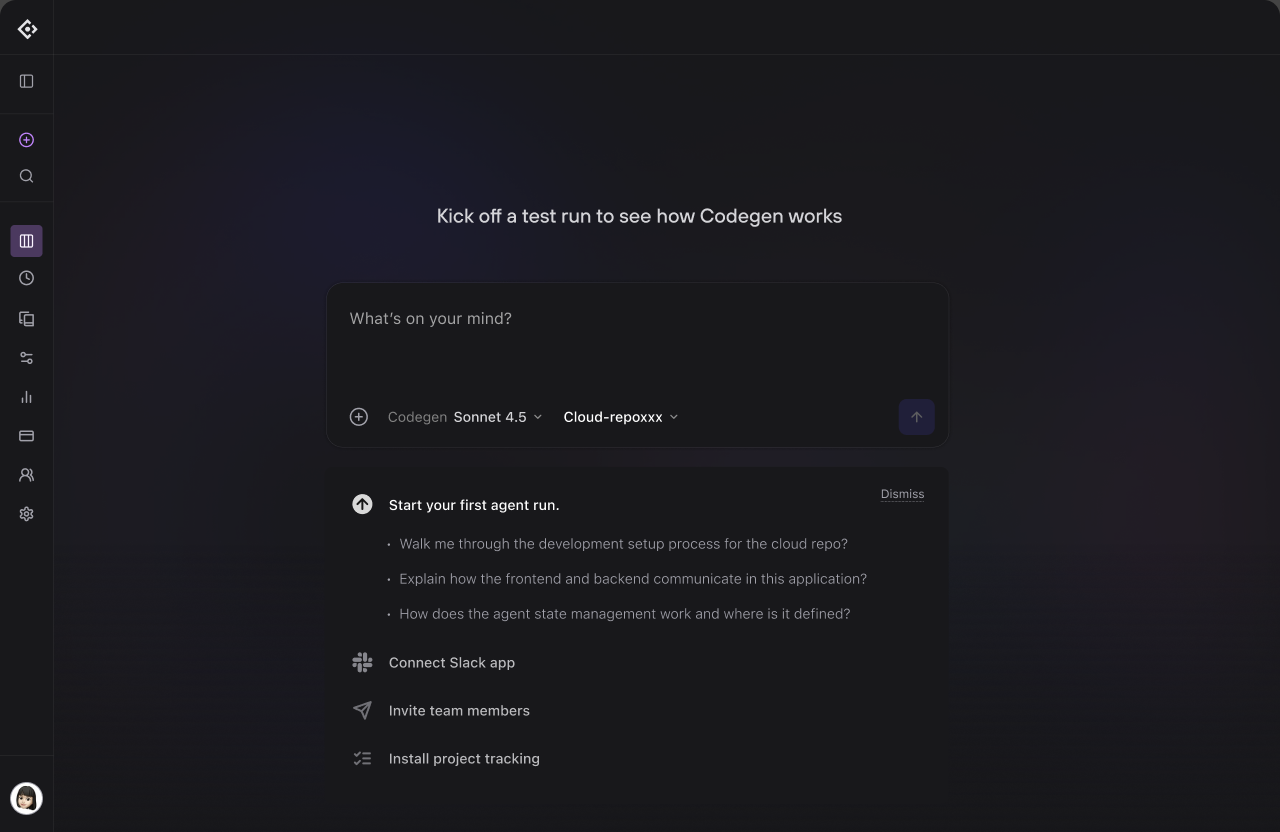
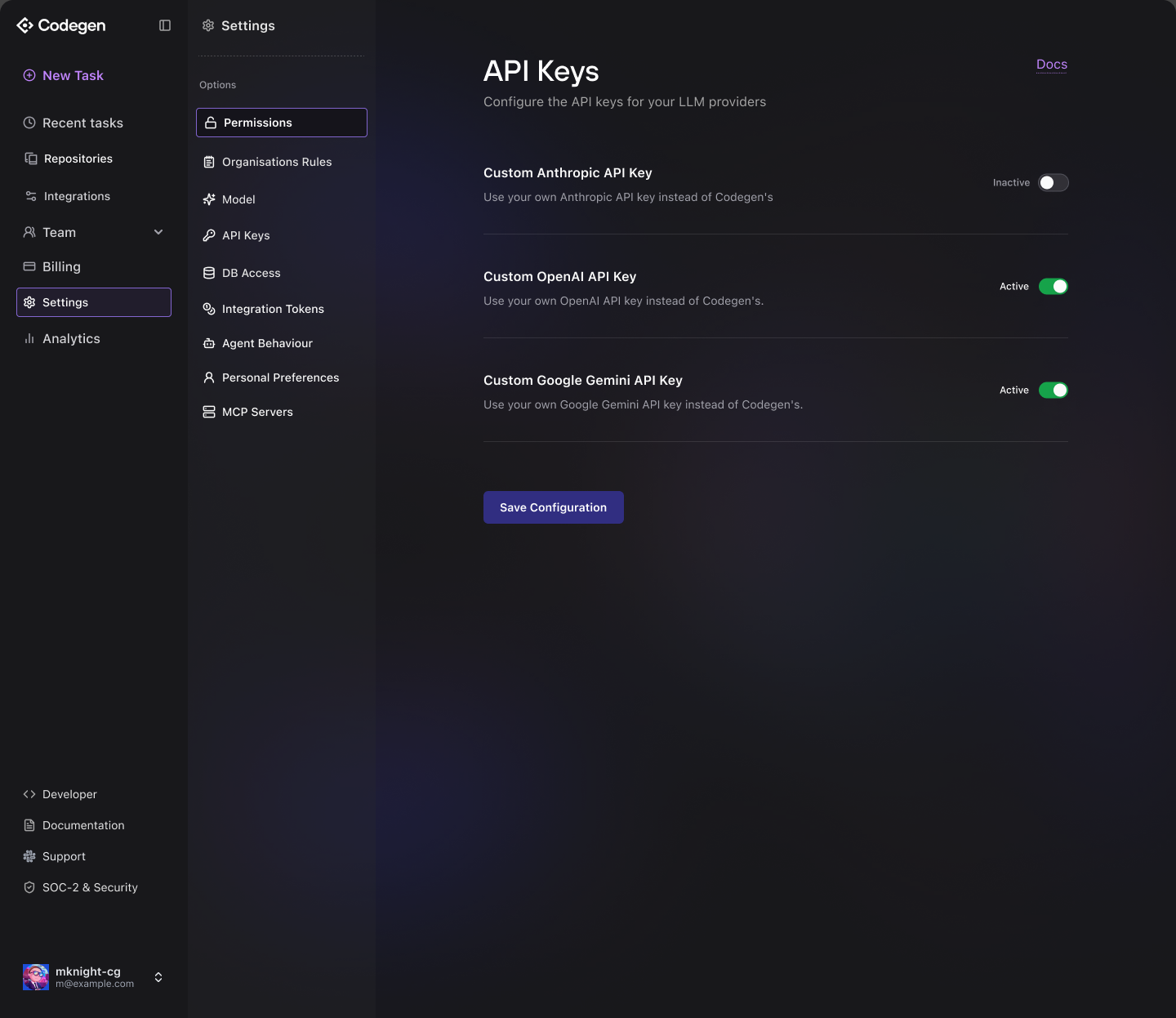
Outcome
The depth became something developers could actually navigate — and a product our users came to love. Codegen was acquired by ClickUp.